One inbox, not five
Email, messages, calendar, and tasks in a single prioritized queue, with a link to the source of each input.
IaGents AI-powered business automation
Stop rebuilding context across apps: Jarvis sorts your inbox and moves work forward.
Discuss a deployment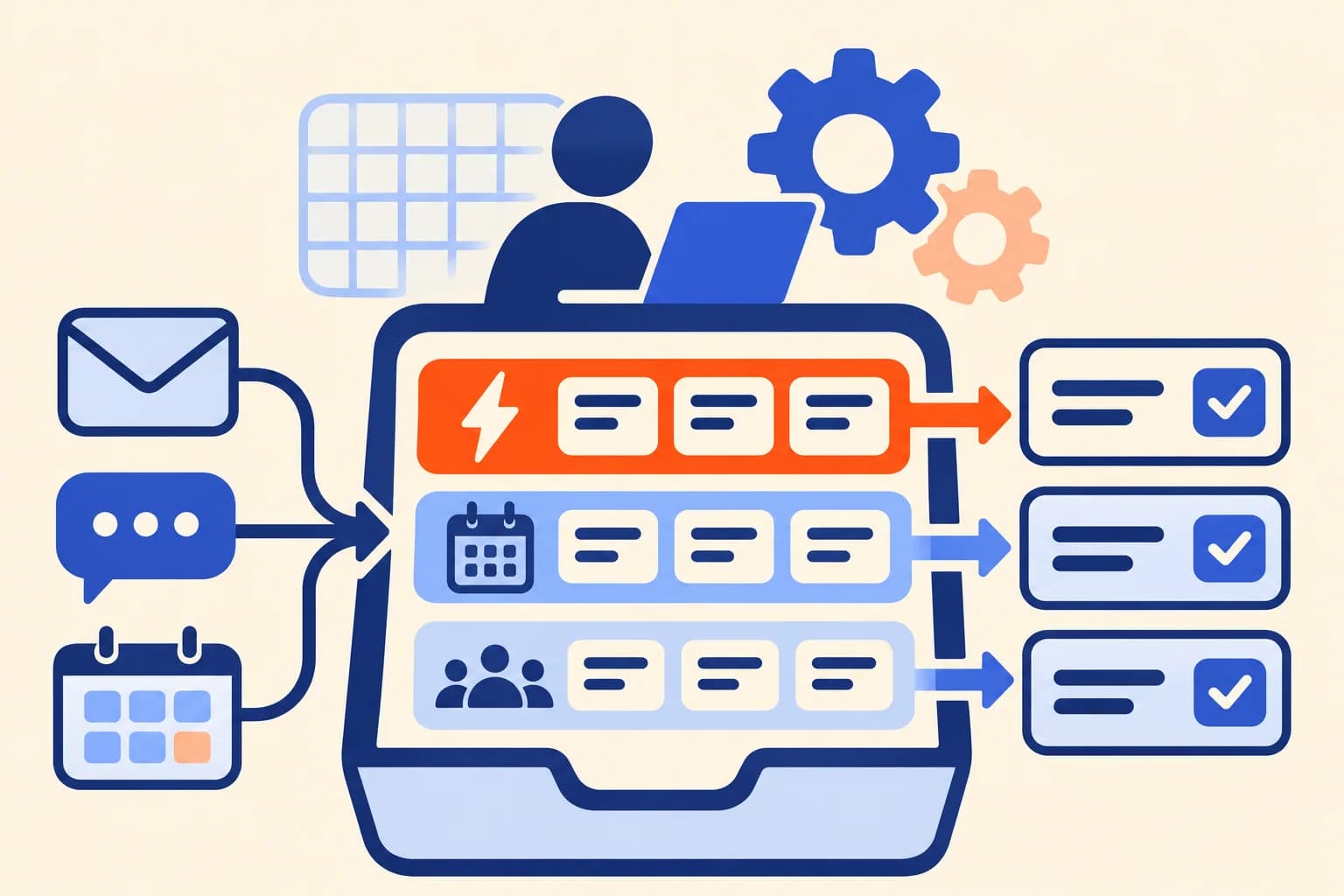
A person decides at this step
Jarvis prepares and proposes; actions that change something follow your team's approvals.
Email, messages, calendars, and tasks live in different applications, and rebuilding the context between them takes up part of the day. Jarvis brings those inputs into an operational inbox, unifies their format, classifies priorities, and prepares the next step. You decide what gets done; Jarvis arrives with the work prepared. It is not a chat you ask questions of, but a secretary that works across your tools and checks with you when it should.
Jarvis links conversations and tickets, creates or reuses work cards, and keeps links to the source. It can produce digests, identify urgent matters, and flag calendar overlaps. Priority rules, schedules, and destinations are adapted to how you work.
From Telegram you receive digests and alerts, check status, and resolve tasks with commands or buttons. Proposals and sensitive actions follow the approval rules defined for your team. Jarvis can also coordinate specialized agents to execute authorized work and record progress.
It retains context and the provenance of information, separates queries from actions, and keeps a decision history. Recurring runs are designed to avoid duplicates and recover interrupted tasks.
A Jarvis deployment around your company's accounts, projects, and permissions: integrations configured within the agreed scope, priority and approval rules defined with you, a Telegram channel for authorized users, and a record of what it did and why. We adjust the rules with real usage during deployment, and we document who can change them, which actions require confirmation, and what information may leave through Telegram.
People who coordinate teams or projects and receive more inputs than they can sort by hand: leadership, project management, operations, and small teams where one person handles email, tickets, and the calendar. It also works as a first step toward an agent team: Jarvis hands out authorized work, and you keep deciding from the same channel.
Jarvis is our autonomous secretary, already built. Integrations are configured with Gmail, Jira, Trello, Slack, Telegram, and Google Calendar access within the agreed scope. Sending messages and acting across tools depend on the capabilities and permissions of the configured workflow. Let's talk about your project.

Message ingestion and classification, with processing labels based on configured policy.

Ticket and status monitoring, work linking, and proposals within agreed permissions.

Card creation or reuse, labels, source links, and updates within the configured workflow.

Scheduled checks of authorized direct messages and private groups.

Digests, alerts, commands, and buttons to supervise, snooze, or resolve tasks.

Event retrieval and mirroring with overlap detection in authorized calendars.
Email, messages, calendar, and tasks in a single prioritized queue, with a link to the source of each input.
Digests, alerts, and approvals with commands or buttons for authorized users.
Decision history, queries kept separate from actions, and recovery of interrupted tasks.